

5 Custom Tag Systems Every Record Collector Needs
 Adrian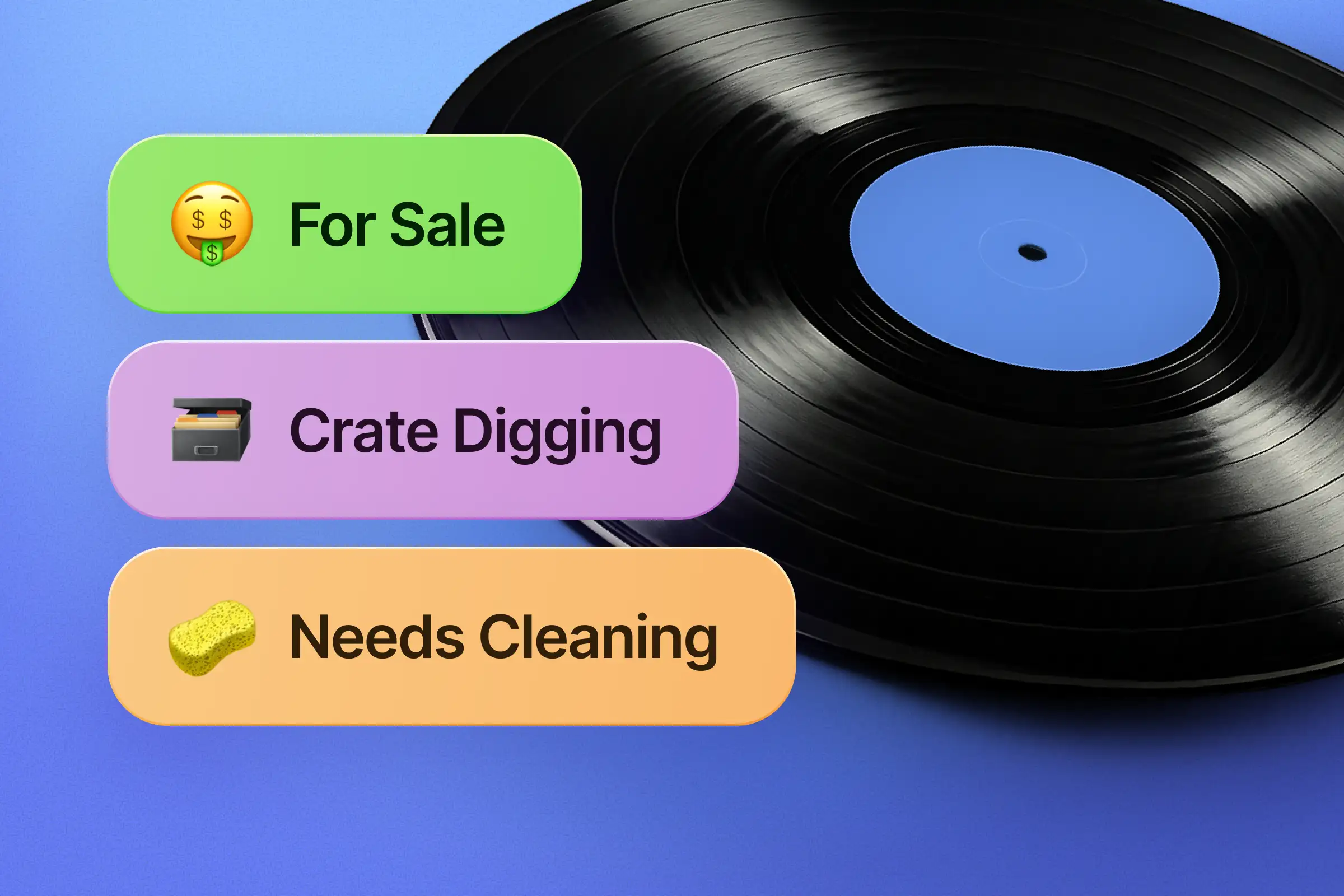
Every vinyl collection is unique, and so are the needs of vinyl lovers. If you’re deep into this passion, you’ve probably felt this before: standard data fields in a generic music catalog can’t always capture the full story.
That’s where Record Scanner’s Custom Tags come in. They transform our app into the ultimate, personalized vinyl tracker, helping you manage, search, and filter your library in any way you see fit.
Need a little inspiration? Here are 5 examples of tagging systems you can create to get the most out of your Record Scanner:

1. The Lending Library
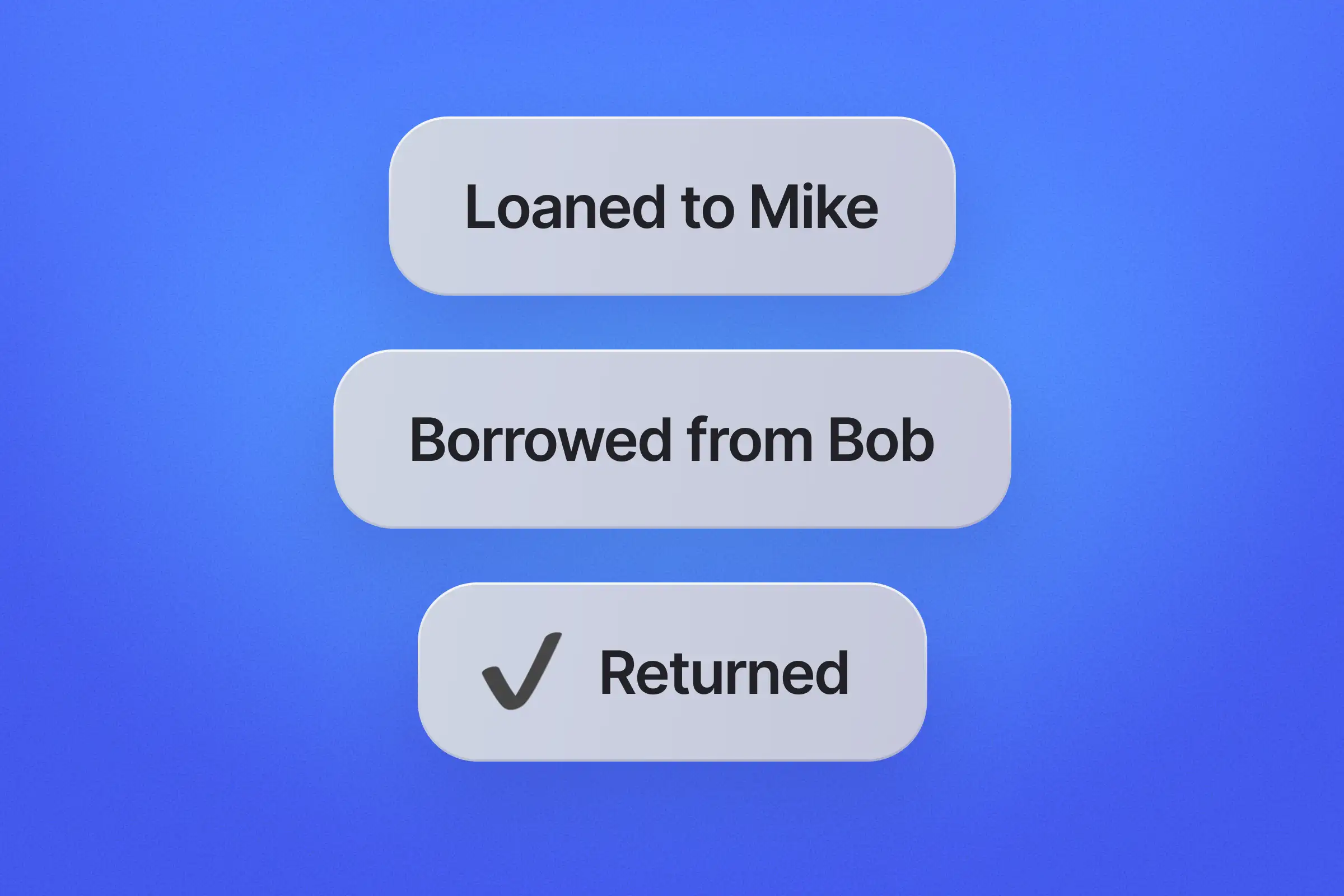
Stop losing records to friends. Create a simple checkout system to track who has what in your record collection.- Use tags like: #Loaned:Mike, #Borrowed, #Returned
2. The Maintenance Log
Vinyl requires care, and condition directly affects record value. But remembering which album needs a wash is impossible. Turn Record Scanner into your maintenance to-do list.- Use tags like: #NeedsCleaning, #NeedsInnerSleeve, #NeedsOuterSleeve, #Warped
3. The Marketplace Tracker
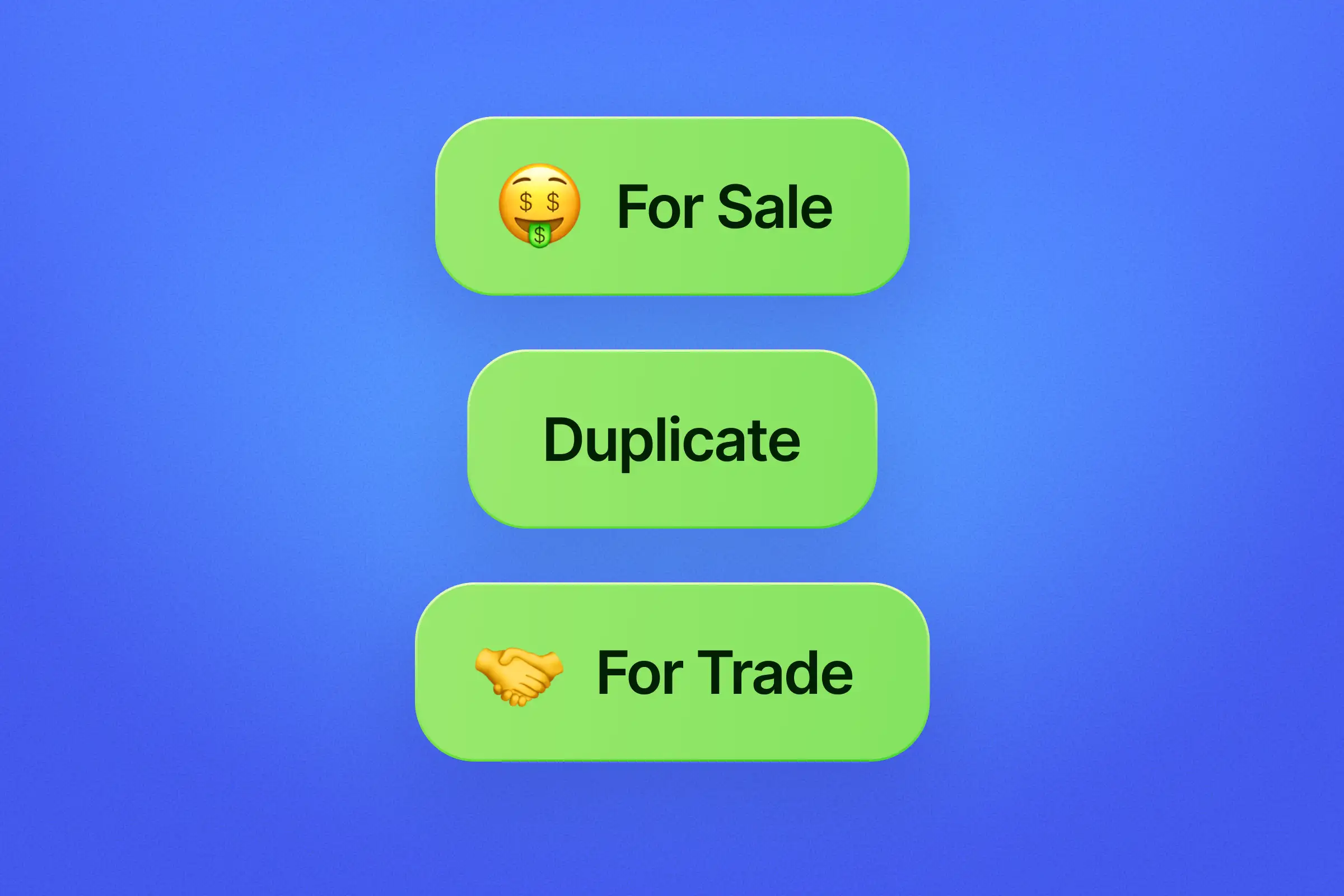
Whether you are actively selling or just curating, keep your inventory sorted so you know what stays and what goes. This is essential for tracking potential record price and trade opportunities.- Use tags like: #ForSale, #ForTrading, #Duplicate, #ToUpgrade
4. The Origin Story
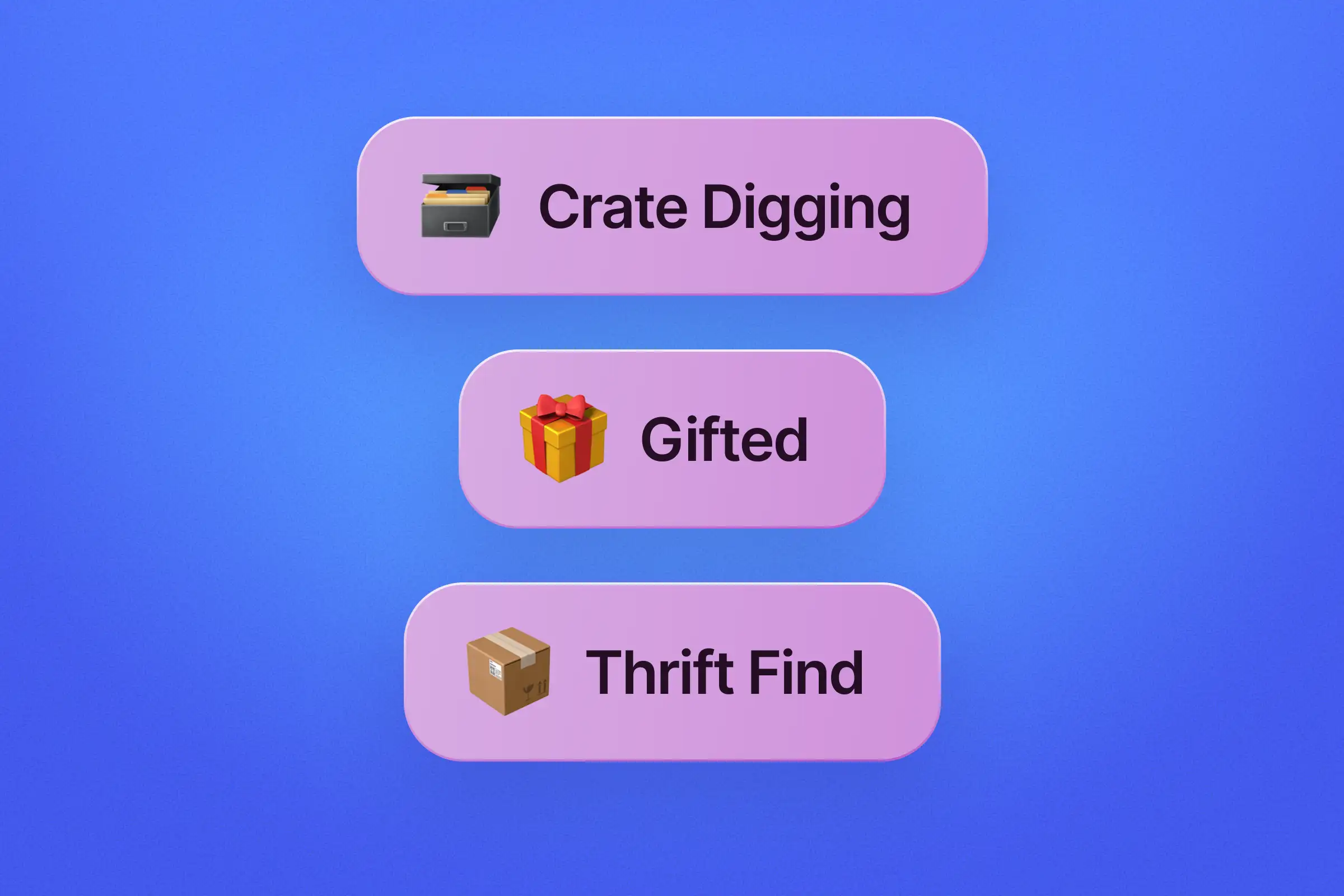
Every record has a history. Differentiate between pristine store-bought copies and the dusty gems you rescued from a flea market or crate digging session.- Use tags like: #CrateDigging, #BoughtNew, #Gift, #ThriftFind
5. The Condition Report
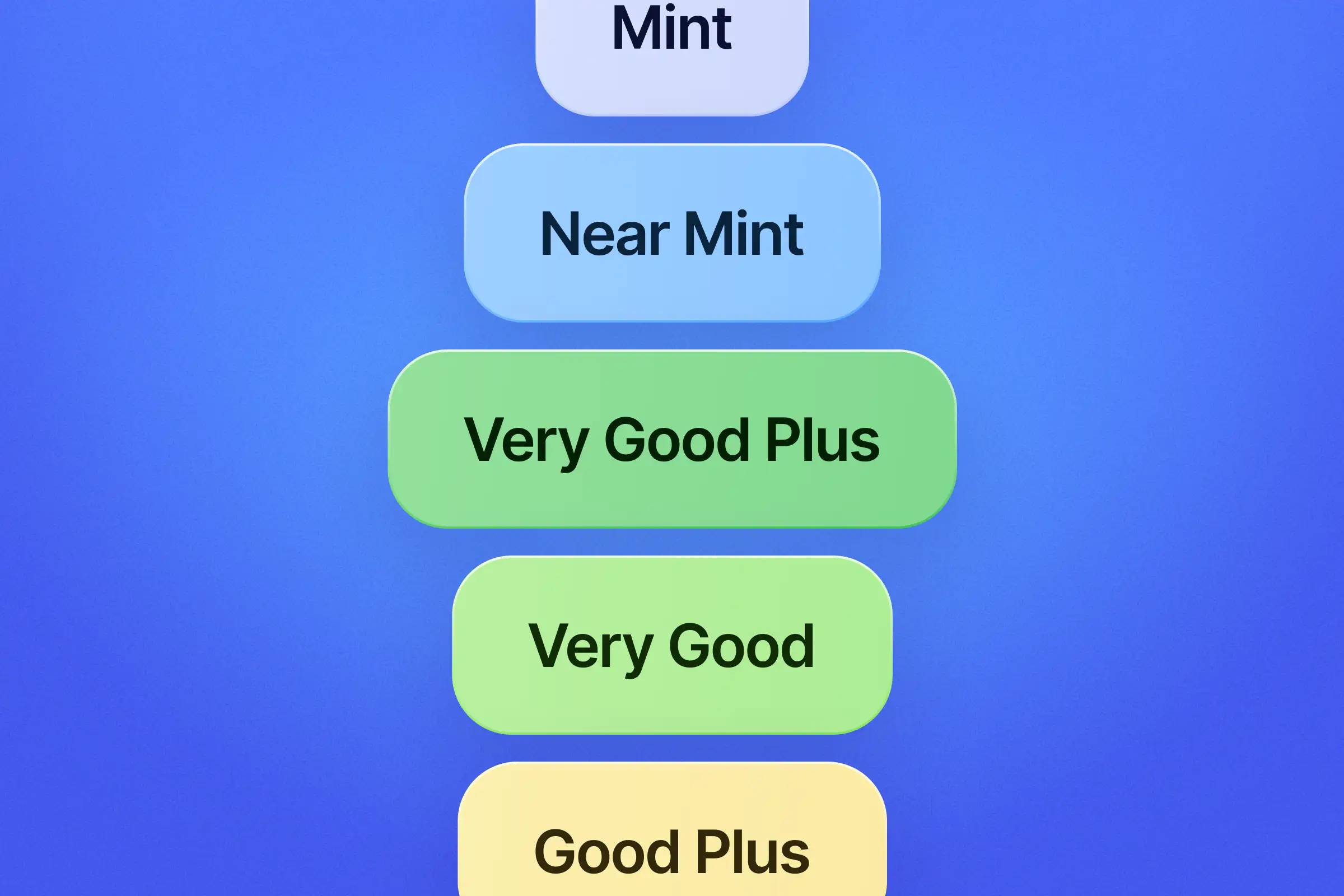
Missing a dedicated field for condition? No problem. Use Custom Tags to grade your specific copies using the industry-standard Goldmine scale. This is the perfect workaround to track the quality of your discs for insurance valuation or record price estimation.- Use tags like: #M (Mint), #NM (Near Mint), #VG+ (Very Good Plus)
How to add Custom Tags in Record Scanner?
Ready to organize? Setting up your tags is easy. Just follow these steps:- Tap on Collection in the bottom navigation bar.
- Select an album from your list.
- Scroll down and tap on "Edit tags".
- Choose the "Create Tag" option.
- Name your new tag and pick one of the available colors to make it stand out.
- Done! The tag will now be visible next to the album, and you can use it to filter your entire collection instantly.
You May Be Interested In

© 2026 Record Scanner